
Stock that updates itself
Every bill takes pieces out and every return puts them back.
Every scan at the counter takes the piece out of stock. Know what is low, what isn't selling and what went missing, for every size and colour, without counting by hand.
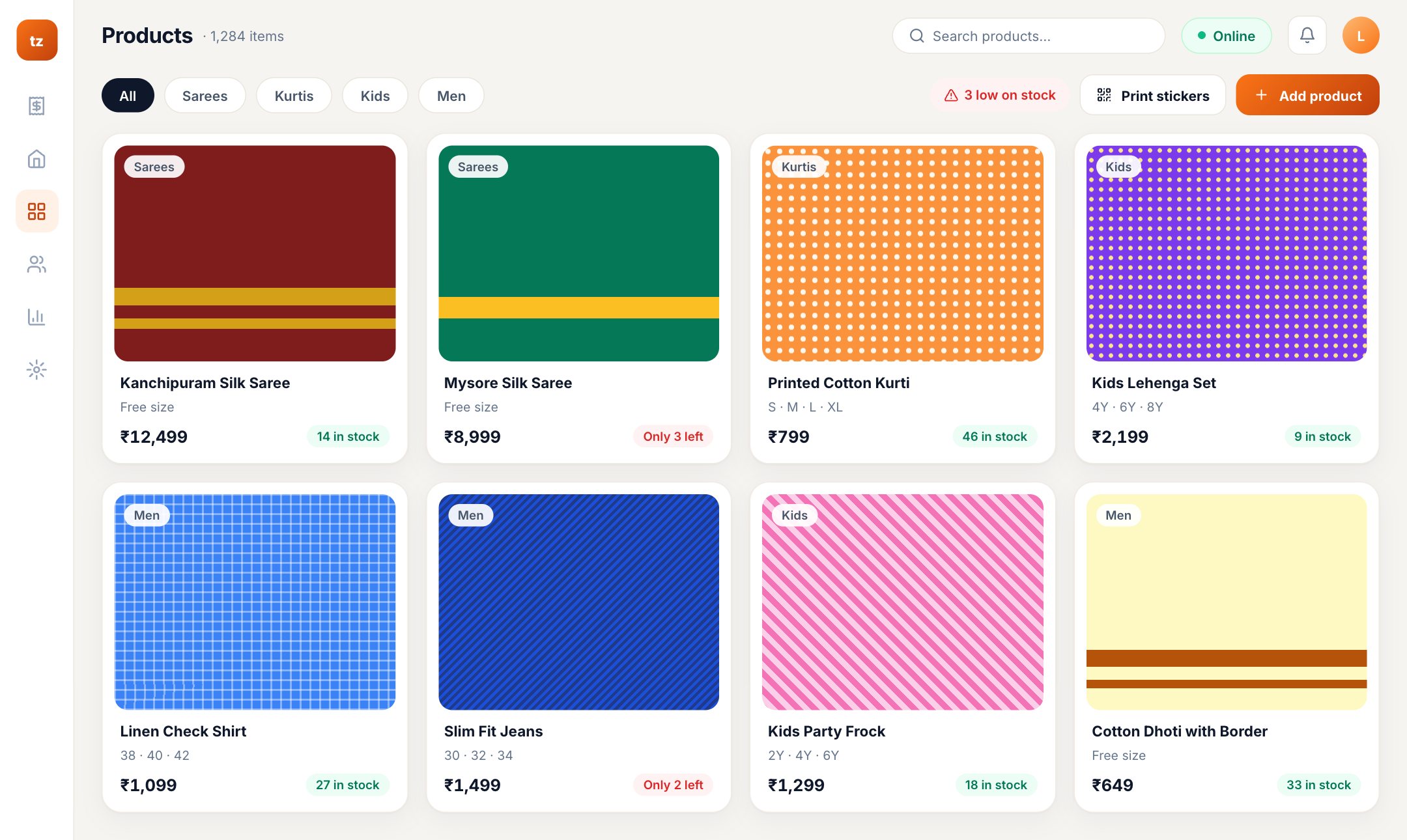
Every bill takes pieces out and every return puts them back.
One product with many sizes and colours, each with its own stock and price.
Know before a fast seller runs out in the busy season.
Record supplier bills with cost prices; the stock goes up and stickers print for the new pieces.
Scan the shelves, compare with what the app expects, and see the missing stock by value.
Stock kept away from the shop floor, and transfers between the floor and a godown.
Pieces that haven't sold in 90 days are money you can't use for the next season. The dead stock report lists them for 30, 60, 90 or 180 days, with their value. Read how to clear dead stock, and use QR stickers so every piece is counted.
Scan the pieces on the shelves with a barcode gun or the phone camera. The app compares the count with its stock and shows what is missing.
Yes. Send us your Excel list, or import it yourself, with sizes, colours, prices and stock.
Yes, on plans with godowns. Billing sells the shop floor's stock, and transfers move pieces in and out.
Leave your details and we'll call you within a day. No cost, no obligation.